AWS services
An AWS setup you understand, at a bill you expected.
Cloud setup, migration, cost reviews and serverless data pipelines across the full range of AWS services, from Lambda, EC2, DynamoDB, RDS and S3 to Bedrock, Step Functions, IAM, CloudWatch and more.
The problem
Most cloud waste isn't a technology problem. It's nobody having the time to look.
The AWS account grew by accident. Permissions are looser than anyone would like, nobody is sure what each service costs, and the bill goes up every quarter. Or the move to AWS keeps slipping, because nobody has the time to plan it safely.
What we do
What it does, working as one system.
-
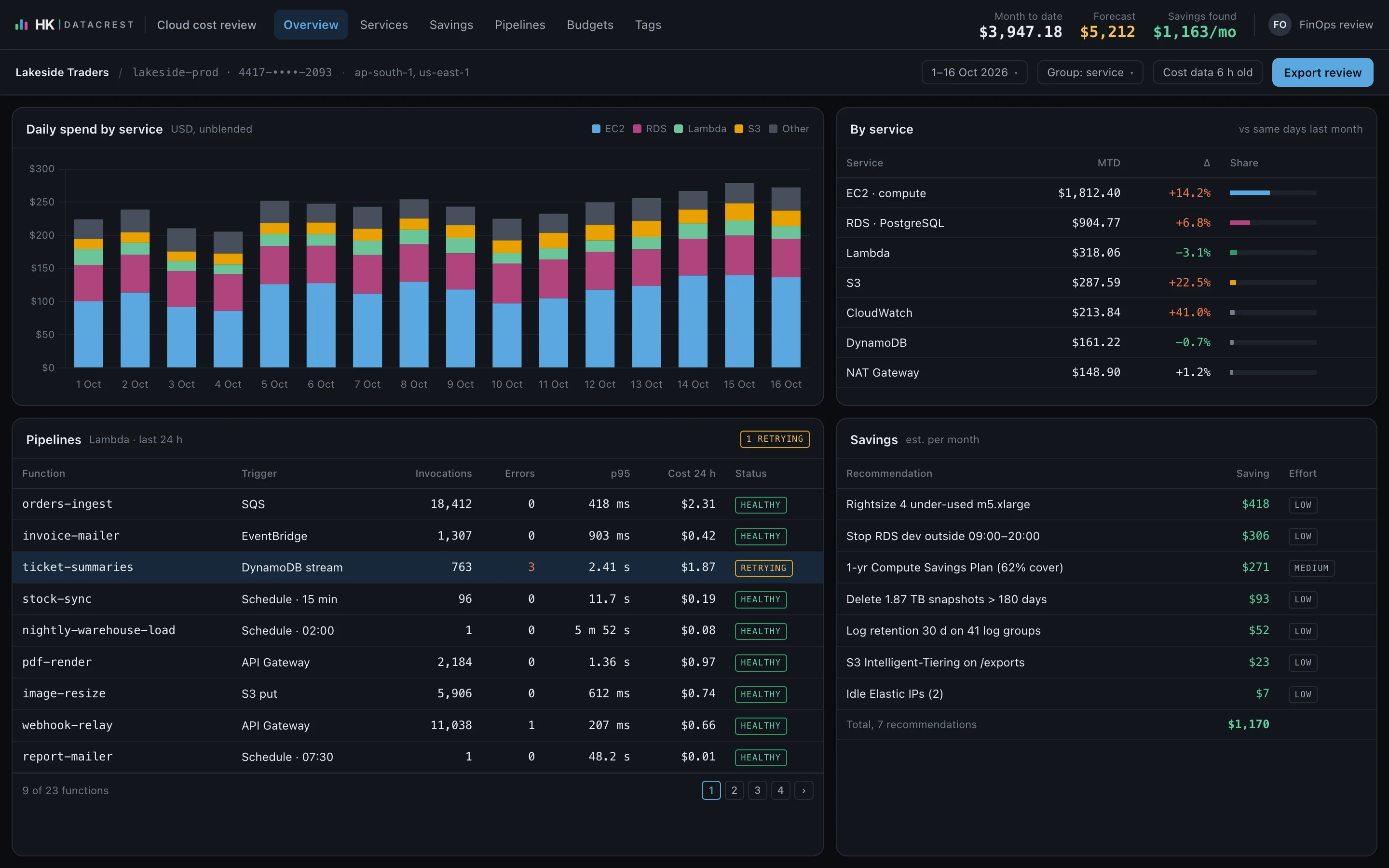
Cost review
A line-by-line look at what you pay for, with savings ranked by size and effort.
-
Account and access setup
Accounts, networking and least-privilege access, set up as code where it makes sense.
-
Migration
A written plan with order, costs and risks, then the move itself, tested before cutover.
-
Serverless pipelines
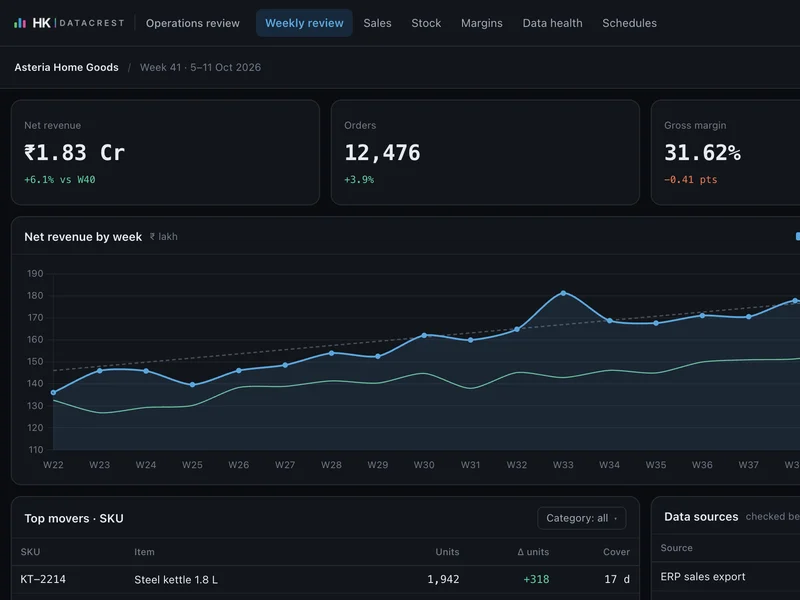
Event-driven data flows on services such as Lambda, SQS, EventBridge, Step Functions and DynamoDB, with monitoring and alerts.
How it works
From your data to a working system.
Review
Accounts, permissions, architecture and bill, written up in plain language.
Plan
What to change, in what order, what it costs and what could go wrong.
Change
Each change made in small steps and tested before it goes live.
Hand over
Runbooks, cost alerts and dashboards, or we keep running it for you.
AWS services we work with
The services we design, build and run on.
Grouped by what they do. These are the services we reach for most; we work across the rest of AWS too.
Compute
-
AWS Lambda
Event-driven functions for APIs, data pipelines and scheduled jobs, with no servers to patch and cost that follows usage.
-
Amazon EC2
Right-sized virtual servers for workloads that need them, with Savings Plans and schedules to keep the bill in check.
-
Amazon Lightsail
Simple, fixed-price servers for small services, internal tools and workflow engines.
-
Amazon ECS and AWS Fargate
Containers run without managing clusters, for services that outgrow functions.
Data and storage
-
Amazon DynamoDB
Serverless NoSQL tables for high-volume, low-latency data, designed around your access patterns.
-
Amazon RDS and Aurora
Managed PostgreSQL and MySQL with backups, failover and right-sized instances.
-
Amazon S3
Durable storage for files, exports and data lakes, with lifecycle rules that move old data to cheaper tiers.
-
AWS Glue
Data catalogue and ETL jobs that keep source schemas mapped and transformations scheduled.
-
Amazon Athena
SQL straight over data in S3, for ad-hoc analysis without a warehouse to run.
-
Amazon Redshift
A cloud data warehouse for reporting at scale, modelled and loaded by tested pipelines.
AI and machine learning
-
Amazon Bedrock
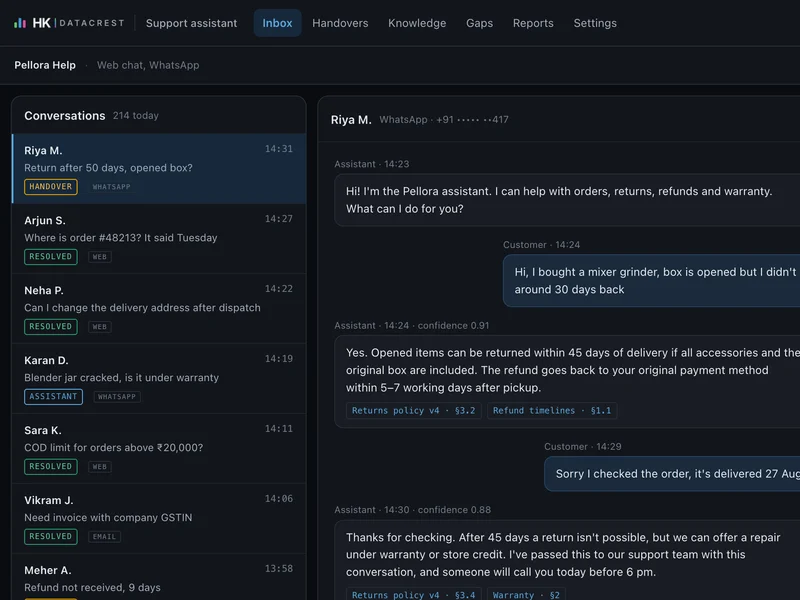
Foundation models, including Claude, for assistants, drafting and summaries, with your data kept within AWS.
-
Amazon SageMaker
Training and hosting for custom models such as forecasts, risk scores and anomaly detection.
Integration and events
-
Amazon API Gateway
Secure, throttled HTTP APIs in front of Lambda functions and services.
-
Amazon SQS
Queues that decouple systems and absorb spikes, with dead-letter queues for anything that fails.
-
Amazon SNS
Fan-out notifications to people and systems when something important happens.
-
Amazon EventBridge
Event routing and schedules that connect your services and SaaS tools.
-
AWS Step Functions
Multi-step workflows with retries, branching and a visual record of every run.
Messaging
-
Amazon SES
Transactional and outreach email from your own domain, with bounce, complaint and unsubscribe handling.
Security and identity
-
AWS IAM
Least-privilege roles and policies, reviewed and kept as code.
-
Amazon Cognito
Sign-up, sign-in and single sign-on for your applications and internal tools.
-
AWS Secrets Manager
Credentials and API keys stored, rotated and never written into code.
-
AWS KMS
Encryption keys for data at rest, with clear control over who can use them.
Operations and delivery
-
Amazon CloudWatch
Logs, metrics, dashboards and alarms, so failures are noticed before customers notice them.
-
AWS CloudFormation and Terraform
Infrastructure as code, so every environment can be reviewed, repeated and rolled back.
-
Amazon CloudFront
Fast, cached delivery for websites, apps and APIs worldwide.
-
Amazon Route 53
DNS, domains and health checks.
Cost management
-
AWS Cost Explorer
Where the money goes, by service, account, team and tag.
-
AWS Budgets
Alerts before spend runs past what you planned.
What changes
What you get from it.
- A bill you can explain. Every major cost has an owner and a reason.
- Access you can defend. Least privilege, MFA and a record of who can do what.
- Pipelines that tell you when they break. Alerts before your customers notice.
- Documentation your team can follow. No single point of knowledge.
How we engage
Start small. Decide with evidence.
-
Prove it on your data
A cost and security review of one account: a written list of findings and savings, and you decide what to act on.
Fixed scope · fixed price · agreed before work starts
-
Roll it out
If the pilot earns it, we build the full system, connect the rest of your data and bring your team onto it.
Only if the pilot earns it
-
Run it, or own it
We keep it running and improving, or hand it over with the code, the documentation and a runbook.
Your code · your data · your cloud account
Questions
What people ask before a first call.
Is AWS the only cloud you work with?
No. AWS is where we have the deepest hands-on experience, including our own production systems, and we also build on Google Cloud, Azure or your own servers when that is what you run.
Will you need full admin access?
No. We ask for the least access each task needs, inside your own account, and you can revoke it at any time.
Start with a conversation
Tell us what's slowing your operation down.
A 30-minute call with the people who would build it. You leave knowing whether a pilot makes sense, and what it would cover.